Operations
Deployment
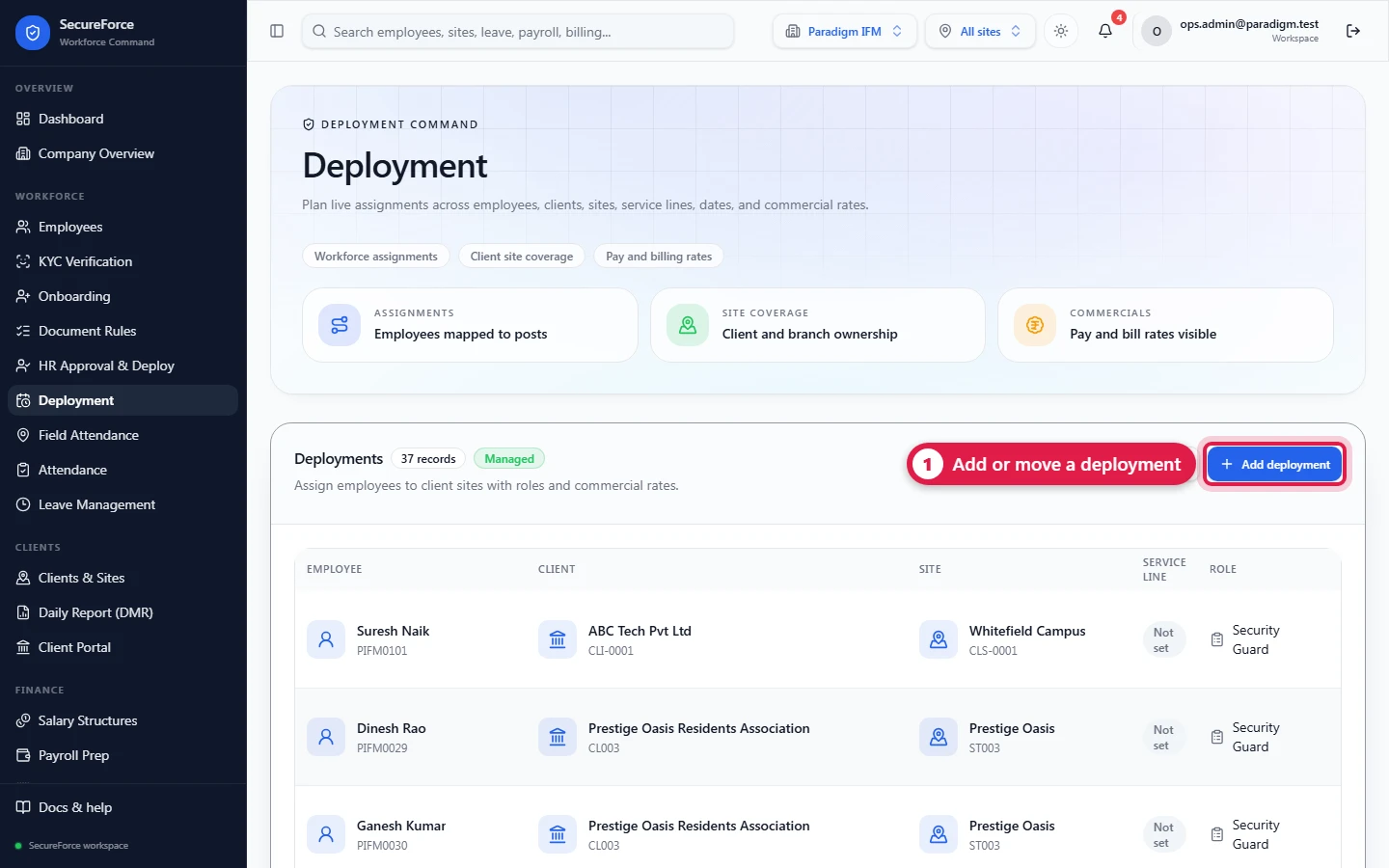
Post a person at a client site in a role, from a start date, with a pay rate and a bill rate. This drives the daily report's "Deployed" count, payroll and billing.
Sidebar → Deployment (route /deployment). A deployment says who works where, as what, from when, and at what rate. It is the link between a person and a site.
Who can do this: Admin, Ops Manager, HR Manager (deployments.manage); supervisors can view.
Where deployments come from
- Approve & Deploy on an HR-approved worker: sets the pay rate from the approved salary, rosters the shift, registers the face, and handles the client NDA — the recommended way for new hires.
- Onboarding step 6 (Onboarding).
- Bulk onboarding, Deploy employee / Deploy all verified (Employees).
- This page: Add deployment, e.g. to move someone to another site.
If an admin switches on No deployment without HR approval (HR approval settings), every route above refuses a worker HR has not approved.
Add or edit a deployment
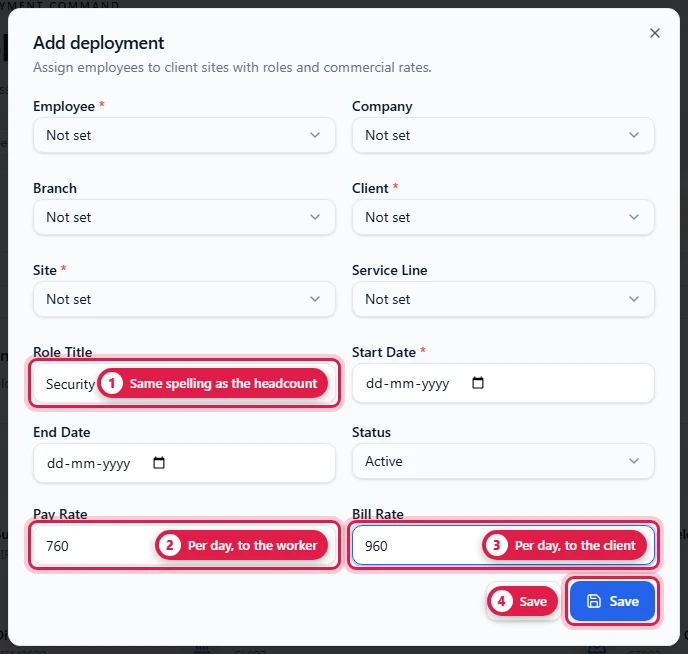
| Field | Required | Notes |
|---|---|---|
| Employee | Yes | |
| Company, Branch | Defaults from the employee in onboarding | |
| Client | Yes | |
| Site | Yes | |
| Service Line | ||
| Role Title | e.g. Security Guard. Must match the designation in the approved headcount for the daily report to count it. | |
| Start Date | Yes | The person counts as deployed from this date. Defaults to the day it's created. |
| End Date | Set it when the posting ends. | |
| Status | planned, active, completed, cancelled. Planned and active both count as deployed between the start and end dates. | |
| Pay Rate | Per day, paid to the person. Payroll uses it. | |
| Bill Rate | Per day, charged to the client. Billing uses it. |
Common tasks
- Move someone to another site: set an End Date on the old deployment (status completed), then add a new one at the new site.
- Change a rate: edit the deployment. Payroll and billing pick up the new rate the next time you press Generate.
- A person shows as "Cover from another post" on the daily report: they were present at a site where they have no deployment, or their deployment's role title differs from the approved designation.
How it connects
- Roster assignments should name the deployment. That link is what gives each day of attendance a pay rate and a bill rate.
- The daily report counts Deployed per site and designation.
- Payroll Prep uses the pay rate; Billing Prep uses the bill rate.