Dashboard, notifications and reports
The Dashboard, Company Overview, Notifications, Reports and your Profile, the pages that tell you what needs attention.
Dashboard
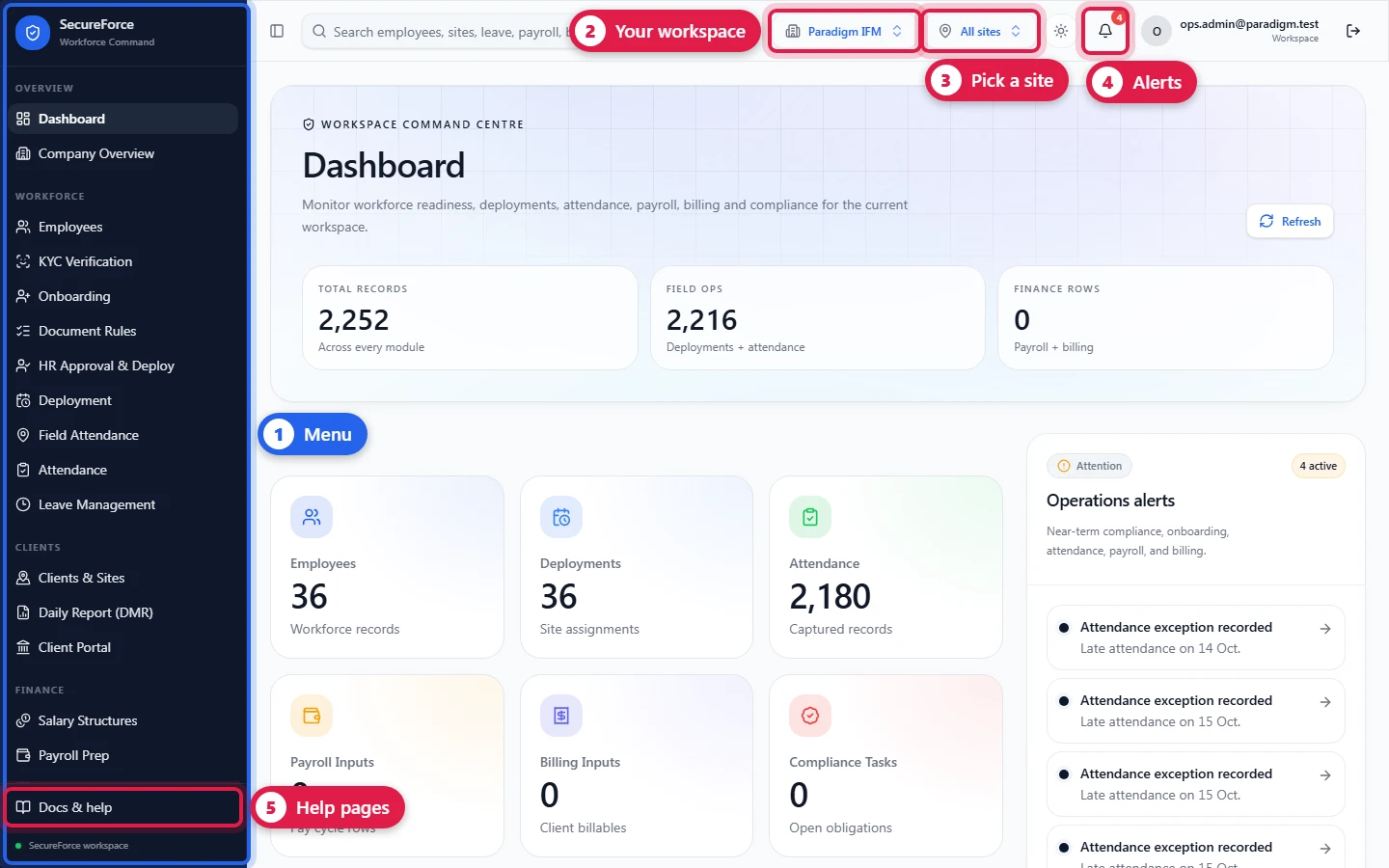
Sidebar → Dashboard (route /dashboard), the first page after signing in.
- Total records, Field ops (deployments + attendance) and Finance rows (payroll + billing).
- Modules: counts for Employees, Deployments, Attendance, Payroll Inputs, Billing Inputs and Compliance Tasks. Click one to open it.
- Operations alerts: near-term compliance, onboarding, attendance, payroll and billing items.
- Refresh reloads the numbers.
Everything is limited to what your role and scope can see; a Client login sees only its sites.
Company Overview
Sidebar → Company Overview (route /company-overview): each company in the workspace with the people assigned to it and their platform roles.
Notifications
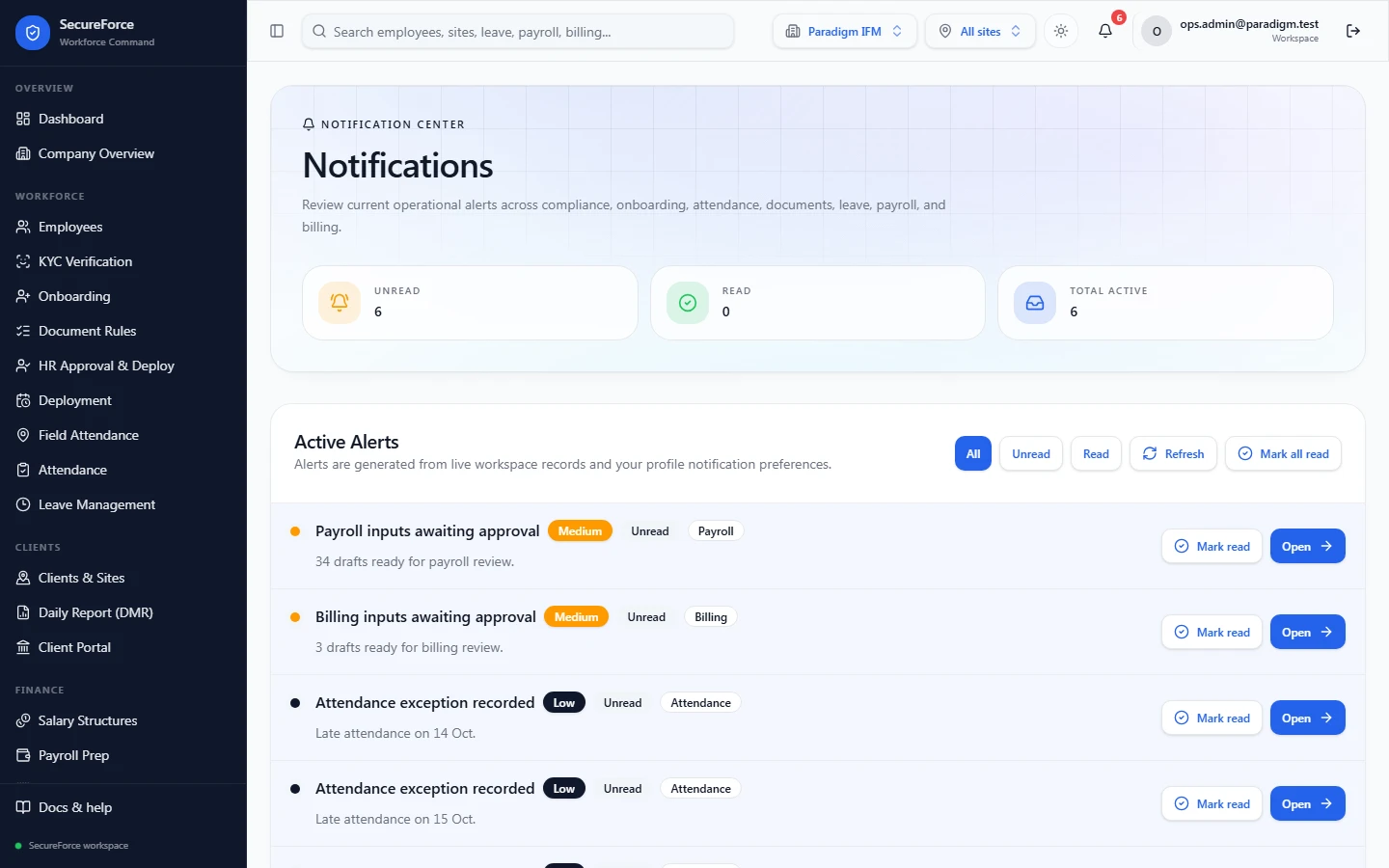
The bell in the top bar, and the Notifications page (route /notifications), collect operational alerts: compliance due or overdue, onboarding blocked, documents expiring, attendance exceptions, leave waiting for approval, payroll and billing to finish.
Reports
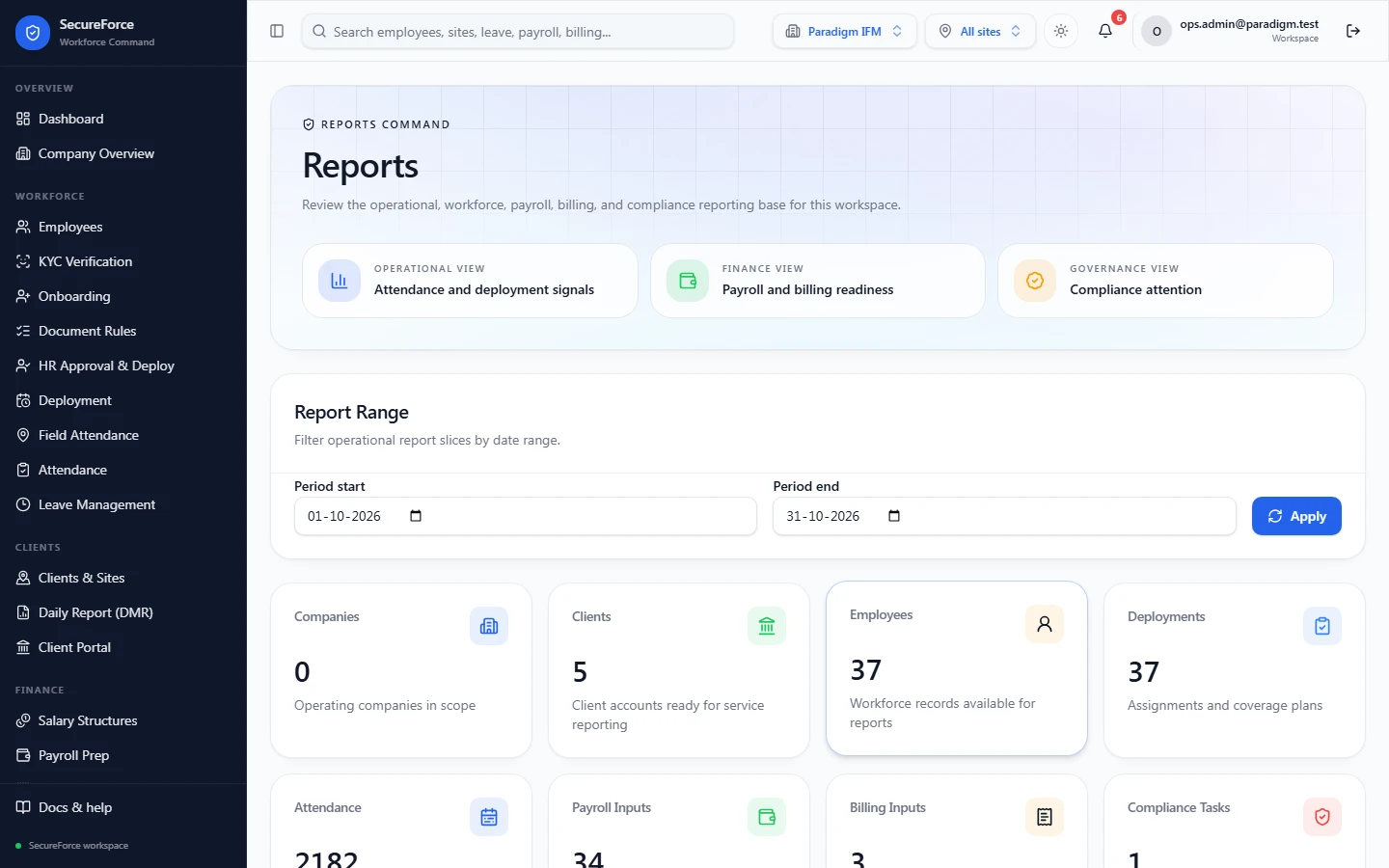
Sidebar → Reports (route /reports), for a date range:
- Attendance exceptions: absent, late or exception records that need review.
- Payroll in progress: draft or approved payroll inputs not yet handed off.
- Billing in progress: draft or approved billing inputs not yet invoiced.
- Compliance: open, in-progress, overdue and due-soon tasks.
Each list can be downloaded.
 For attendance itself, use Field Attendance → Performance and the Daily report.
Profile
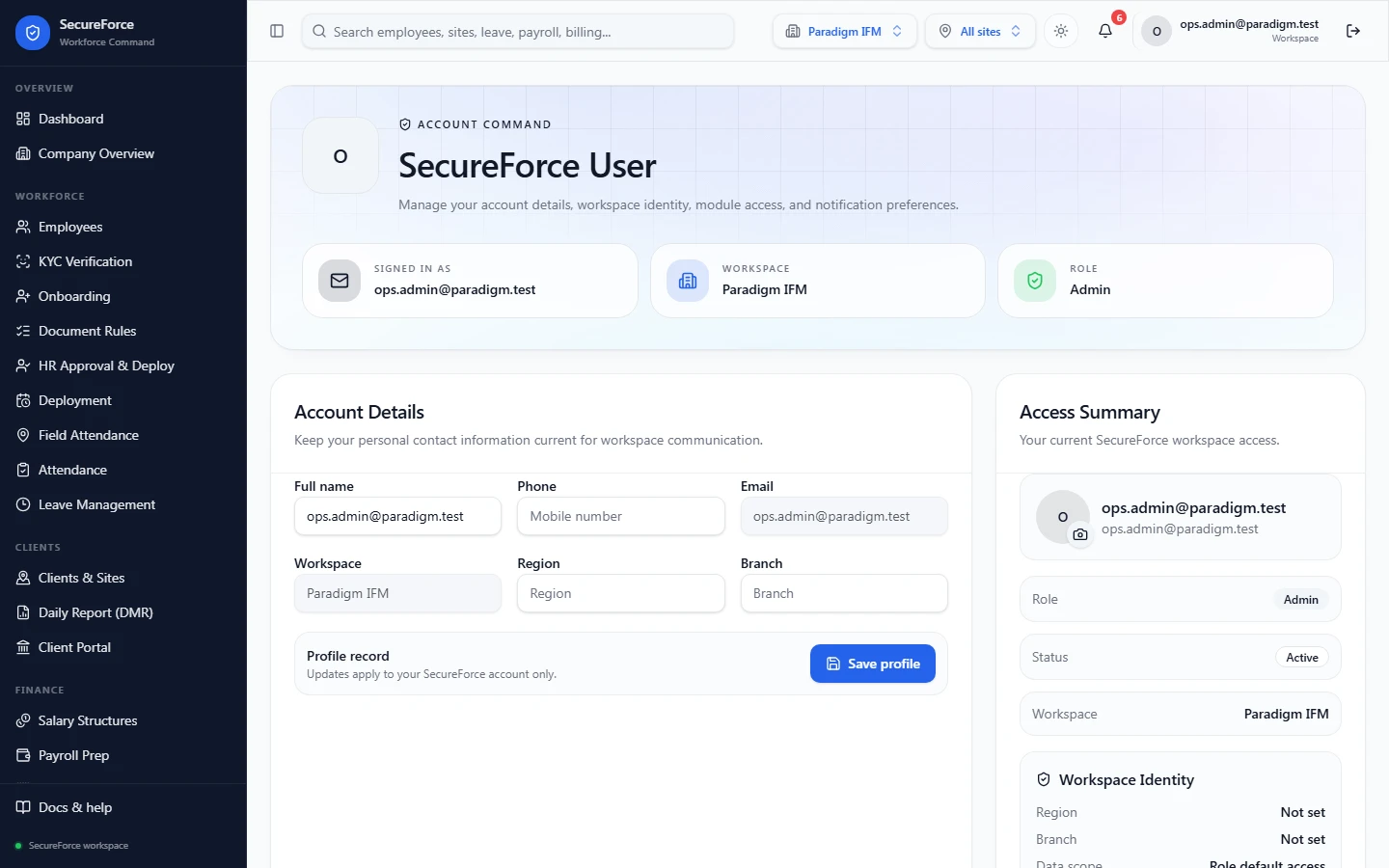
Click your name at the top right → Profile (route /profile): your name, password, the workspace you're in, the modules you can use, and notification preferences. A mobile-number login shows its Sign-in mobile number where others show their email. The sun/moon icon in the top bar switches light and dark mode.