Client portal
The customer-facing view of guard attendance, the daily report (DMR), their sites, billing inputs, compliance follow-ups and service requests, and how to give a customer their own login.
Sidebar → Client Portal (route /client-portal). It is the customer's command view: guard attendance and the daily report for their sites, their client accounts, service sites, billing inputs for a period, compliance items and the service requests they raised. Internal staff see every client; a Client login sees only its own.
Give a customer access
- Administration → Add member: the customer contact's email, role Client, a generated password.
- Data Scopes → Assign scope: that member, scope type client, target their organisation.
- Share the sign-in details.
A Client login's sidebar shows Dashboard, Clients & Sites, Daily Report (DMR), Client Portal, Billing Prep, Reports and Compliance, all limited to their sites. They never see other customers, identity documents, bank details or police records.
What the customer sees
Pick the period at the top (Period start / Period end, then Apply; it opens on the current month). Everything on the page follows that period and the site chosen in the top bar's site switcher (All sites, or one site).
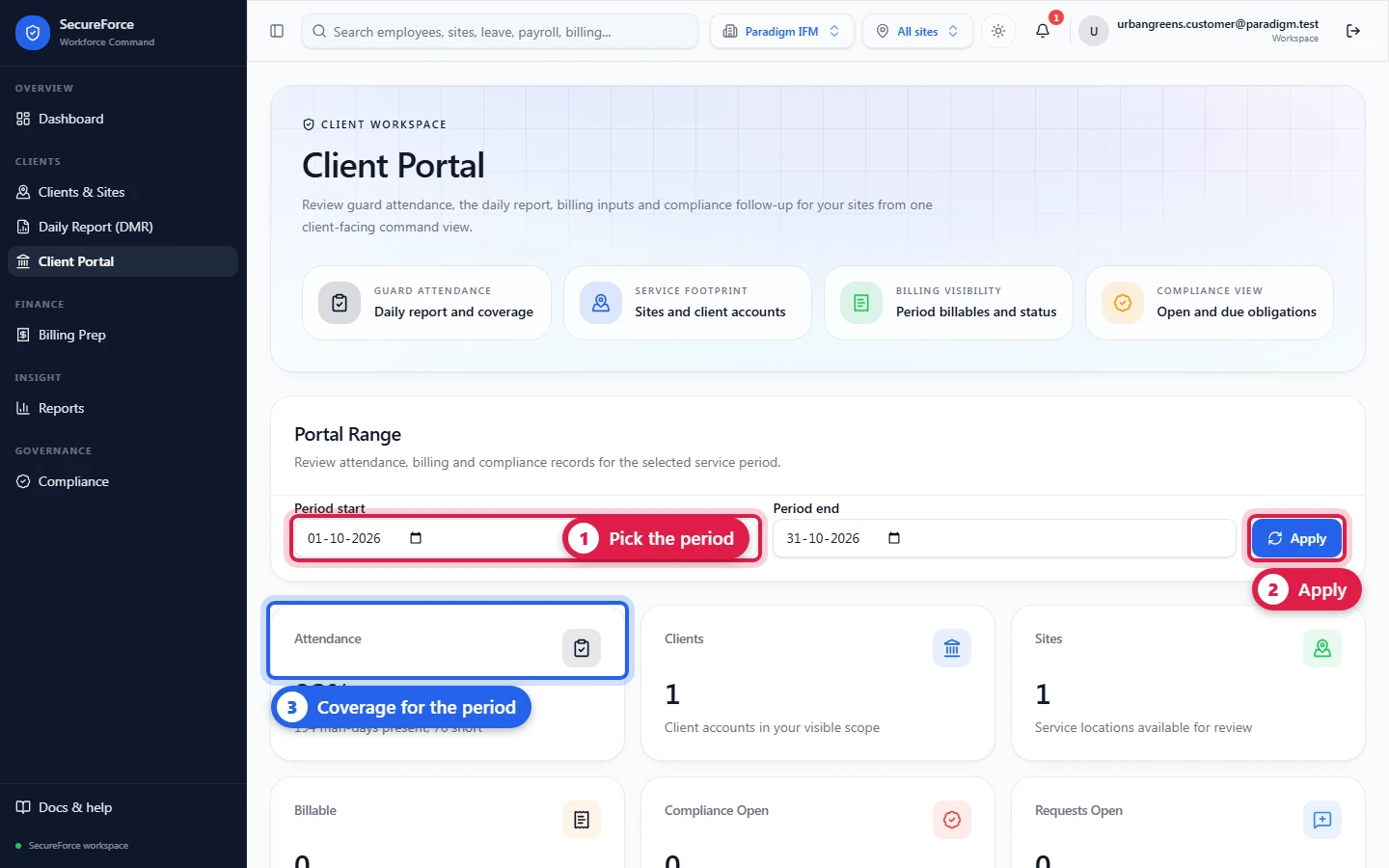
Attendance for the period
The Attendance card at the top shows the coverage for the whole period, with the man-days present and short underneath. Below it are two tables:
Site Attendance has one row per site, counted in man-days (one person on one day = one man-day):
| Column | Meaning |
|---|---|
| Days | Days in the period that were counted |
| Present | Man-days present (present, late or half day) |
| Absent | Man-days marked absent |
| Shortage | Man-days short of the approved headcount |
| Days short | On how many days the site had fewer people than approved |
| Coverage | Present as a share of the people on duty |
Export attendance downloads this table as a CSV file, adding the approved and deployed man-days and the period's dates.
Daily Attendance has one row per day, newest first, across the customer's sites: approved, deployed, present, absent, shortage and coverage.
Attendance is read for at most 31 days at a time. For a longer period, the latest 31 days are counted and the card says which dates it covers; future days are never counted.
The daily report (DMR)
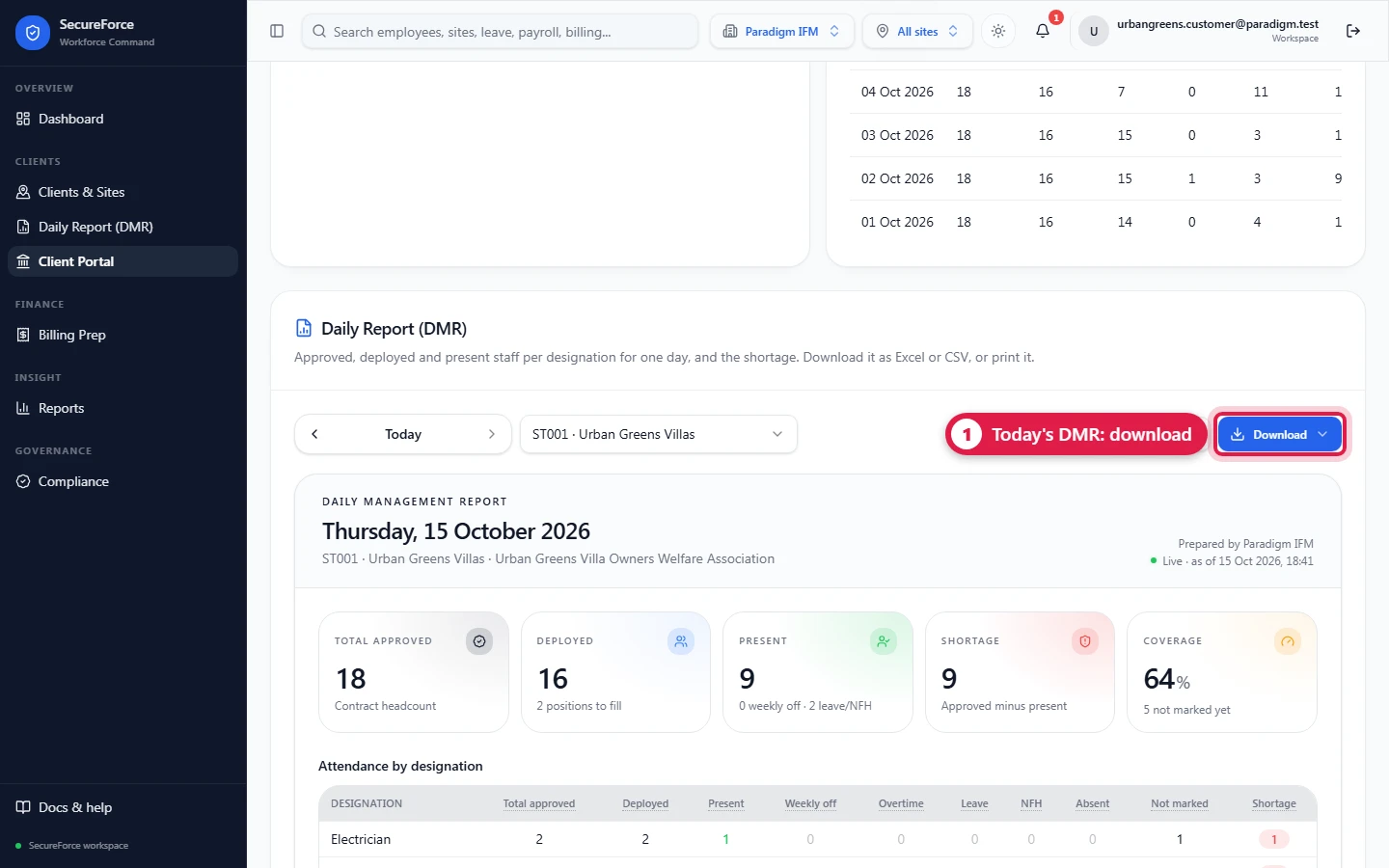
Below attendance is the Daily Report (DMR) for one day: for each site and designation, the approved, deployed and present staff and the shortage, with the same columns as the Daily report page. Change the day with the arrows or Today. Download gives Excel or CSV and Print prints the report on its own. When a site is chosen in the site switcher, the report is fixed to that site and its own site picker is hidden.
Everything else
Client accounts and service sites in their scope, with operating status.
Billing inputs and invoices for the selected period: what will be invoiced. These are read-only.
Compliance records for their sites: open, in progress, overdue.
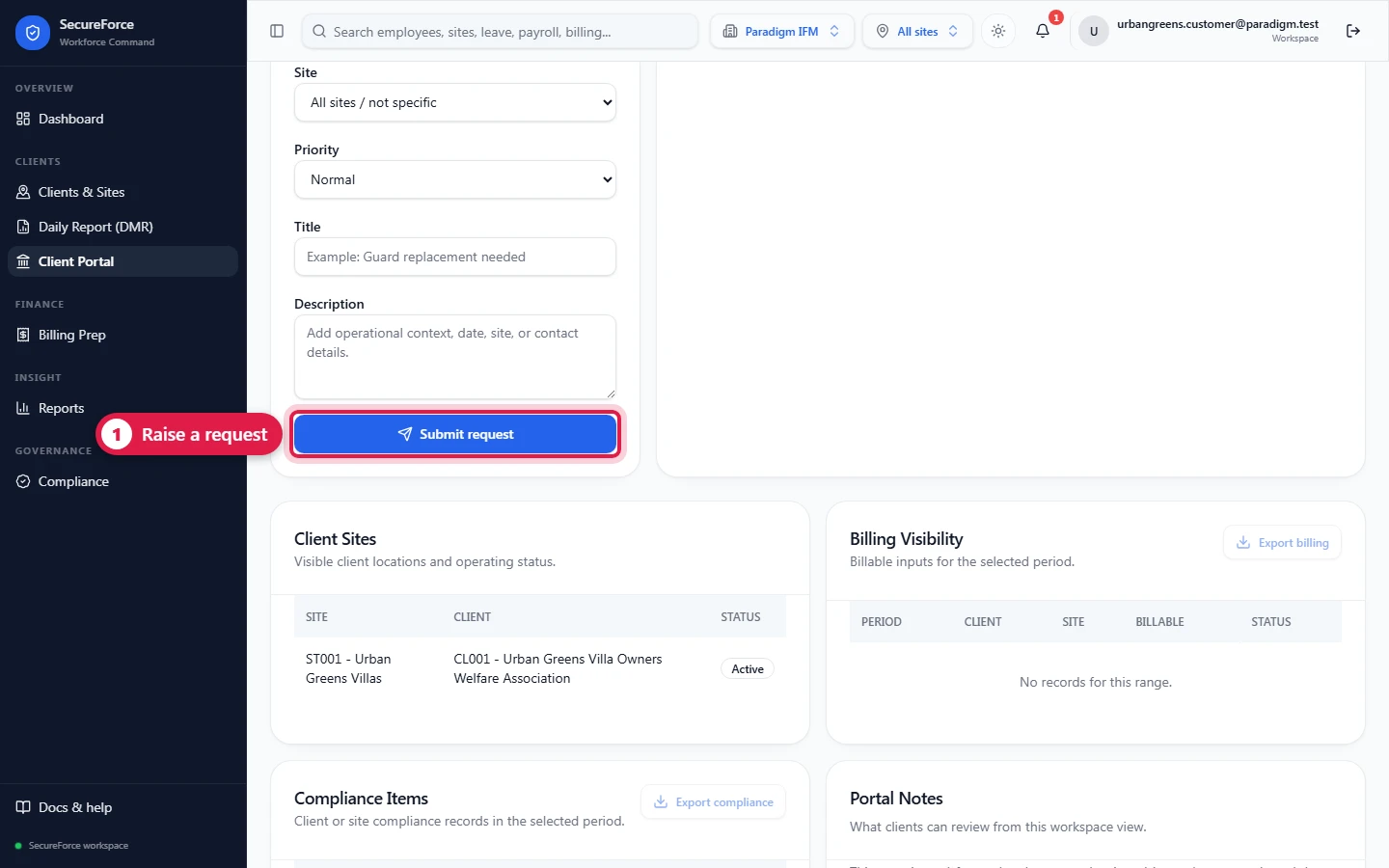
Service requests: requests raised by the client and their status (open, in progress, closed…), with priority (low, normal, high, urgent). The customer raises one with Submit request (e.g. Guard replacement needed).
The same daily report is also on its own page in the sidebar.
Attendance and the DMR show counts only. Guard names, punch times, selfies and locations never reach a customer login: both come from the daily_management_report database function, which reduces every person to an anonymous key.
The Client role does not hold billing.manage. A customer login can view and export billing and invoices for its scoped sites but cannot generate, approve, edit, lock, cancel or reissue them. Financial changes stay with internal finance roles.